Free Worldwide Image Geo-Tag Tool 2026 — Add GPS EXIF & SEO ALT Text in Your Browser
Geo-tag your local business photos with precise GPS coordinates, auto-generate SEO-optimised ALT text, and download ready-to-upload JPGs — completely free, no login required, and 100% processed in your browser. No images ever leave your device.
What Is a Geo Image Tag (GPS EXIF)?
An image geo-tag is GPS coordinate data — latitude, longitude, and an optional text description — stored invisibly inside a photo’s EXIF metadata. The image looks identical but carries real-world location information that Google, Google Business Profile, and mapping platforms can read and use as a local relevance signal.
Every digital photo contains hidden data called EXIF metadata — camera model, shutter speed, date taken, and GPS coordinates if your device recorded them. A geo-tagged image is one where those GPS fields have been accurately populated.
The EXIF standard also includes an ImageDescription field — this is where your SEO ALT text is embedded. One geo-tagged file can carry both your business location and your target keyword phrase — invisible to users but fully readable by search engines and platforms like Google Business Profile.
Does Geo-Tagging Photos Help Local SEO?
Geo-tagged images strengthen location consistency signals when combined with an optimised Google Business Profile, accurate citations, and strong local landing pages. They are not a standalone ranking factor but contribute to the broader location trust picture that search engines build for local businesses.
The honest answer is nuanced. Google has not publicly confirmed EXIF GPS as a direct ranking signal. However, local SEO practitioners consistently include geo-tagged images in winning strategies for these reasons:
- Location consistency: When photos, GBP listing, website, and citations all reference the same precise coordinates, it strengthens the entity association between your business and that place.
- GBP photo signals: Google Business Profile reads EXIF data from uploaded photos. Matching GPS coordinates reinforce your verified location — useful for service-area businesses across Dubai, Sharjah, and Abu Dhabi.
- ALT text indexing: The ImageDescription EXIF field gives search engines additional text context about the image subject and location, complementing your on-page ALT attributes.
- Competitive differentiation: Most businesses do not geo-tag images. In competitive local markets, every consistent signal compounds.
Geo-tagging works best as part of a complete local SEO strategy. On its own it won’t move rankings. Combined with a fully optimised GBP, correct NAP citations, review signals, and strong local landing pages — it becomes one more consistent layer of location trust.
How to Geo-Tag Images in 60 Seconds (Step-by-Step)
Upload your image → search your business location → select the correct result → add your SEO keyword → download the geo-tagged JPG. The entire process takes under 60 seconds per batch and requires no software installation or account creation.
Drag and drop JPG, PNG, or WebP files onto the upload zone — or click to browse. PNG and WebP auto-convert to JPG for clean EXIF writing. Your original filename is always preserved — no suffixes added.
Type your city, neighbourhood, or full address in the Location Search field. Results appear as you type. For pinpoint accuracy, use the 🗺️ Pick on Map button to click your exact coordinates on an interactive map — draggable marker included.
Pick the matching location from the dropdown. This sets the precise latitude/longitude and populates the address fields — suburb, city, state, country — used in your ALT text template. GPS data is automatically applied to all images the moment you select.
Type your service keyword — e.g. Plumber, Dental Clinic, Real Estate Agent. The ALT text preview auto-generates instantly using your template: {keyword} in {suburb}, {city}, {country}. Click the token chips to customise the template format to your brand voice.
Download individual tagged JPGs, or export a full ZIP. An EXIF verification panel reads back the written file and confirms GPS coordinates, map datum, and ImageDescription were written correctly. Export CSV or JSON for your records.
How to Write SEO ALT Text for Local Business Photos
The ideal ALT text format for local business photos is: [Service] in [Neighbourhood], [City], [Country] — for example, “Emergency plumber in Dubai Marina, Dubai, UAE”. Keep it under 125 characters, make it human-readable first, and never repeat the keyword more than once.
ALT text serves two purposes: accessibility for visually impaired users and context for search engines. Good ALT text for local business images follows these principles:
| Principle | Bad Example | Good Example |
|---|---|---|
| Descriptive first | plumber plumber Dubai SEO | Emergency plumber fixing burst pipe |
| Natural keyword | plumber Dubai plumber UAE plumber | Emergency plumber in Dubai Marina, UAE |
| Location specific | plumber in the Middle East | Plumber in Jumeirah, Dubai, UAE |
| Under 125 characters | very long stuffed keyword phrase that goes on and on for too many words | Dental clinic reception in Business Bay, Dubai (48 chars) |
This tool auto-generates ALT text using the template {keyword} in {suburb}, {city}, {state}, {country}. Click the token chips to add tokens at your cursor position and build a custom format that matches your brand style.
Geo-Tagging Images for Google Business Profile
Yes — geo-tag photos before uploading them to Google Business Profile. GBP reads EXIF metadata on upload. Photos with GPS coordinates matching your listed address reinforce location signals, especially for service-area businesses, multi-location brands, and competitive local markets.
For service-area businesses — plumbers, electricians, cleaning companies — uploading photos geo-tagged to each service zone helps Google understand your actual operational footprint beyond just your registered address.
⚠️ Important: Only upload authentic photos of your actual business, team, or completed work — never stock photos or location-faked images. Google detects inauthentic GBP content and can suspend listings. Geo-tagging amplifies real signals. It doesn’t manufacture fake ones.
Want to measure your Google Maps presence across a service area? Our BrightView Pro GEO Grid tool visualises exactly where you rank across a geographic grid — so you can pinpoint weak zones and concentrate your local SEO effort.
Why This Tool Is Best-in-Class Worldwide
Most free geo-tagging tools offer basic coordinate writing with no verification, no ALT text, and unreliable interfaces. This tool was built for local SEO professionals who need reliability, precision, and speed.
| Feature | This Tool | Typical Free Tools |
|---|---|---|
| GPS EXIF writing | ✅ WGS-84, DMS precision | ⚠️ Basic or broken |
| EXIF verification | ✅ Reads back and confirms | ❌ None |
| SEO ALT text (ImageDescription) | ✅ Auto-generates from template | ❌ None |
| Auto-apply on location select | ✅ Instant — no button needed | ❌ Manual per image |
| Per-image map picker | ✅ Dark theme, draggable marker | ⚠️ Basic or none |
| Export formats | ✅ JPG + ZIP + CSV + JSON | ⚠️ JPG only |
| Original filename preserved | ✅ Always — no suffixes added | ❌ Usually renamed |
| Server upload required | ✅ Never — 100% browser | ❌ Files sent to server |
| API key required | ✅ None needed | ⚠️ Often required |
Other Free Local SEO Tools by Ali SEO Services
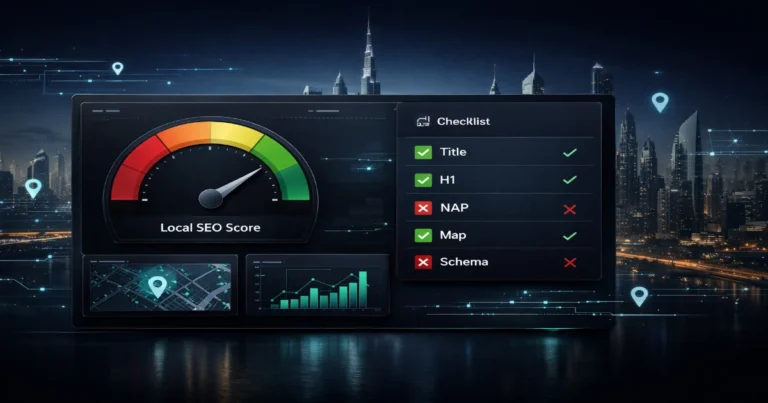
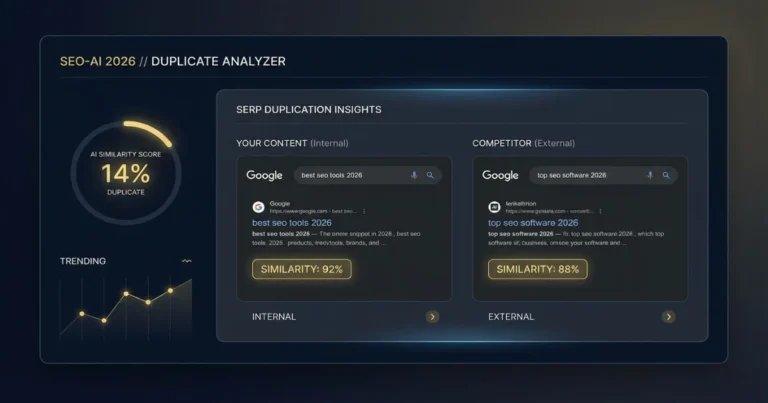
Geo-tagging is one step in a complete local image workflow. These tools work alongside it:
What to Do After Geo-Tagging Your Images
Geo-tagged images are most powerful as part of a complete local SEO workflow. Here’s the recommended sequence after downloading your tagged files:
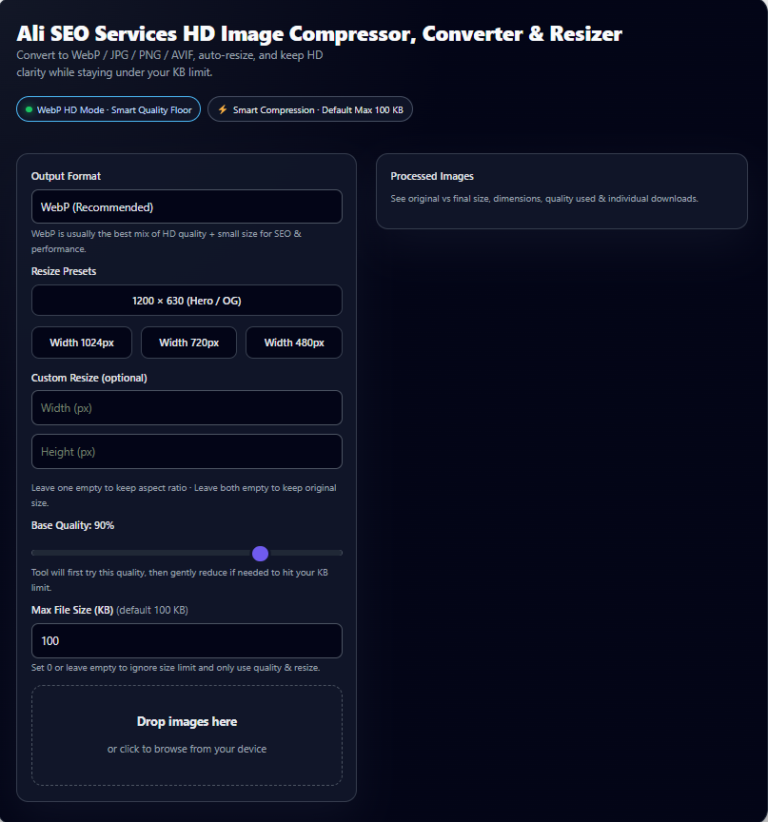
Run tagged JPGs through the Free Image Compressor before uploading anywhere. Geo-tagging adds zero file size, but large original photos hurt Core Web Vitals. Target under 150 KB for web images without visible quality loss.
Add photos under the correct GBP category — Exterior, Interior, Team, Products, At Work. Consistent uploads signal an active, legitimate business. Aim for at least 10 photos per category in competitive markets like Dubai and Sharjah.
Use geo-tagged images on your local landing pages with matching on-page ALT attributes. The EXIF ImageDescription and HTML alt attribute working together give search engines redundant location context — a stronger combined signal.
Images are one layer. For real map pack impact you need accurate NAP citations, GBP category optimisation, review velocity, and geo-targeted landing pages. Check your pages with the Local Landing Page Checker or request a free audit from the team.
Use the CSV or JSON export to maintain a log of every image’s filename, coordinates, and ALT text. Essential for multi-location businesses managing 100+ photos — and makes future audits or updates fast and accurate.
Want Your Google Business Profile Fully Optimised?
Get a free Local SEO mini-audit from Ali SEO Services — image strategy, GBP categories, service areas, on-page fixes, and a 90-day action plan tailored to your market in Dubai, Sharjah, Ajman or Abu Dhabi.
💬 Get Free Local SEO Audit on WhatsAppFrequently Asked Questions
The most common questions about image geo-tagging for local SEO — answered directly for both users and AI answer engines.
Do geo-tagged photos help local SEO?
What is the best way to geo-tag images worldwide without an API key?
Will geo-tagging change my image quality or file size?
What ALT text should I use for local business photos?
Can I geo-tag images for Google Business Profile posts?
Is this geo-tag tool safe — are images uploaded to a server?
What is the most accurate way to set latitude and longitude?
How many images can I geo-tag at once?
Does geo-tagging work for images on WordPress websites?
How is geo-tagging different from social media location tags?
Related Services & Free Tools from Ali SEO Services
- Local SEO Services — Complete Google Maps and local search optimisation for UAE businesses. Map pack rankings, citation building, review strategy.
- AI-Driven SEO & AEO — Future-proof your rankings for Google AI Overviews, voice search, and generative AI answer engines.
- Technical SEO Services — Core Web Vitals, crawlability, indexing, and mobile performance fixes that support every other SEO effort.
- Free Image Compressor — Compress geo-tagged images before upload. Faster pages, better Core Web Vitals scores, zero quality loss.
- Voice Search Optimisation — Be the spoken answer on Google Assistant, Siri, and Alexa for local UAE service queries.
- SEO Audit Services — Full technical, on-page, and local SEO audit with a prioritised fix list and action plan.
- Free Disavow File Generator — Build a clean disavow file for Google Search Console to neutralise toxic backlinks.