Disavow File Generator V3 (Review Mode)
Upload any backlink export (Ahrefs/Semrush/Majestic/Moz/CSV) or paste lines. Review & toggle entries, then export a clean disavow.txt.
| Include | Entry | Score | Notes |
|---|---|---|---|
| No data yet. Click Build Review List. | |||
# Build review list first, then generate output…
Disavow File Generator for Google Search Console (How & When to Use It)
Not all backlinks help your website.
Some links can quietly hold your rankings back — especially spammy domains, paid link networks, hacked sites, or negative SEO attacks. That’s where Google’s Disavow Tool comes in.
This Disavow File Generator helps you create a clean, Google-ready disavow.txt file without formatting mistakes, guesswork, or manual cleanup.
What This Tool Does (In Simple Terms)
This tool scans your backlink data and:
- Extracts URLs and domains from any export (Ahrefs, Semrush, Moz, Majestic, or CSV files)
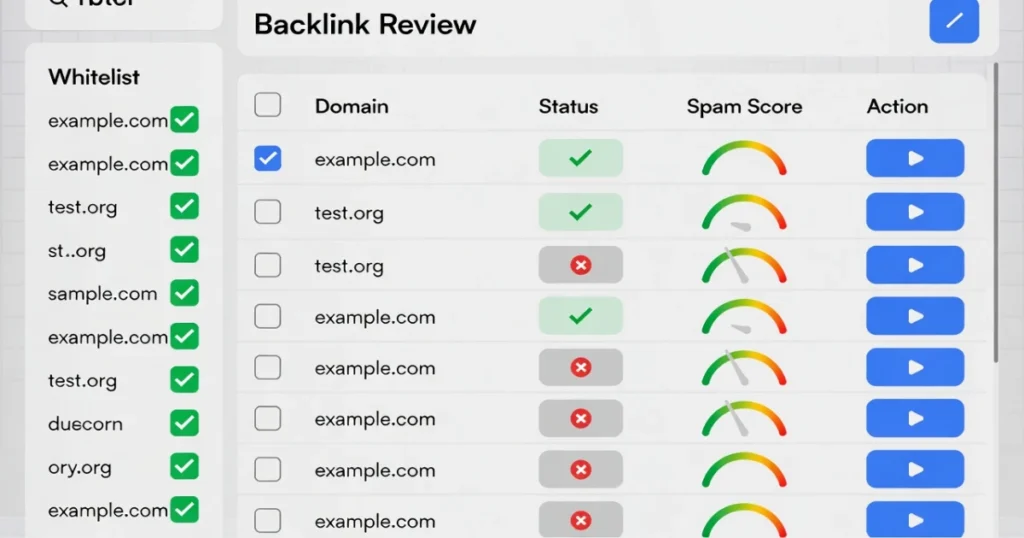
- Lets you review each domain or URL before including it
- Automatically formats entries the way Google Search Console requires
- Excludes trusted sites using a whitelist
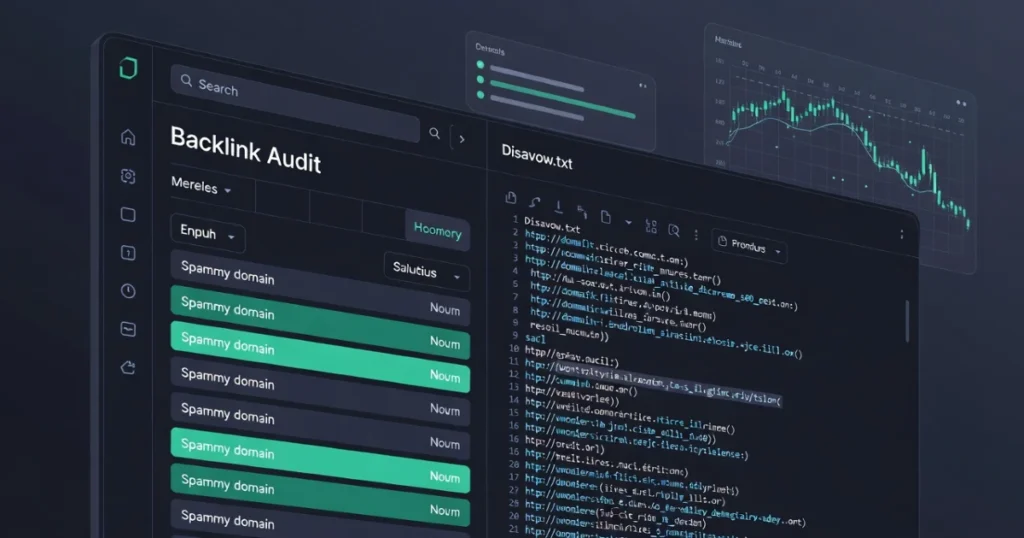
- Generates a ready-to-upload disavow.txt file
No plugins. No spreadsheets. No broken syntax.
When Should You Use a Disavow File?
You should consider using a disavow file if:
- Your site received unnatural or spam backlinks
- You’re recovering from a manual action
- You experienced a negative SEO attack
- Old paid or low-quality links are still pointing to your site
If your site is healthy and ranking well, disavowing links is not recommended.
“When should I use Google’s disavow tool?”
Use it only when spammy or manipulative links are hurting your site or when Google has issued a manual action.
Domain vs URL Disavow (Which Is Better?)
- Domain disavow is safer and recommended in most cases
- URL disavow is useful only when a single page is problematic
This tool defaults to domain-level disavow to reduce risk and mistakes.
How to Use This Tool (Quick Steps)
- Upload your backlink file or paste links
- Review and toggle the domains or URLs you want to block
- Click Generate disavow.txt
- Upload the file inside Google Search Console
That’s it.
Important Warning (Read This)
Disavowing good backlinks can reduce rankings.
Always review links carefully. If you’re unsure, start small and monitor results before making large changes.
Final Note
This tool is built for real-world SEO workflows — fast audits, clean formatting, and zero technical friction. Whether you’re an SEO professional or a site owner, it helps you focus on decisions, not formatting.
If you want expert help reviewing backlinks or recovering from penalties, that’s where strategy matters more than tools.
If you’re unsure which links to disavow—or want a second expert review—professional guidance can prevent ranking loss.
👉 Get a backlink audit and recovery strategy tailored to your site, manual actions, or negative SEO risks.
Smart disavow decisions protect rankings. Guesswork doesn’t.

Frequently Asked Questions (FAQs)
What is a disavow file in Google Search Console?
A disavow file tells Google to ignore specific backlinks that may be harming your website’s rankings. It’s used to block spammy or unnatural links.
When should I use the Google Disavow Tool?
You should use it only if your site has toxic backlinks, a manual action, or signs of negative SEO. If your site is healthy, disavowing links is not recommended.
Is this disavow file generator safe to use?
Yes. This tool formats links exactly how Google requires and allows you to review each domain or URL before exporting the file.
Should I disavow domains or individual URLs?
In most cases, domain-level disavow is safer and more effective. URL-level disavow should be used only for very specific problem pages.
Can disavowing links hurt my SEO?
Yes, if you disavow good backlinks by mistake. That’s why reviewing links carefully before submitting a disavow file is critical.
Can I upload Ahrefs or Semrush backlink files?
Yes. This tool works with Ahrefs, Semrush, Moz, Majestic, and any CSV or TXT backlink export.
How do I upload the disavow file to Google?
After generating the file, upload disavow.txt through Google Search Console’s Disavow Links Tool for your verified property.
Does Google always follow the disavow file?
Google treats disavow files as a strong suggestion, not a command. It may take weeks for Google to process and reflect changes.
How often should I update my disavow file?
Only update it when new toxic backlinks appear or during penalty recovery. Frequent unnecessary updates are not advised.
Is this tool free to use?
Yes. The disavow file generator is free and designed to help website owners avoid formatting errors and risky mistakes.